Website, LinkedIn, Resume: Creating a Cohesive Professional Profile
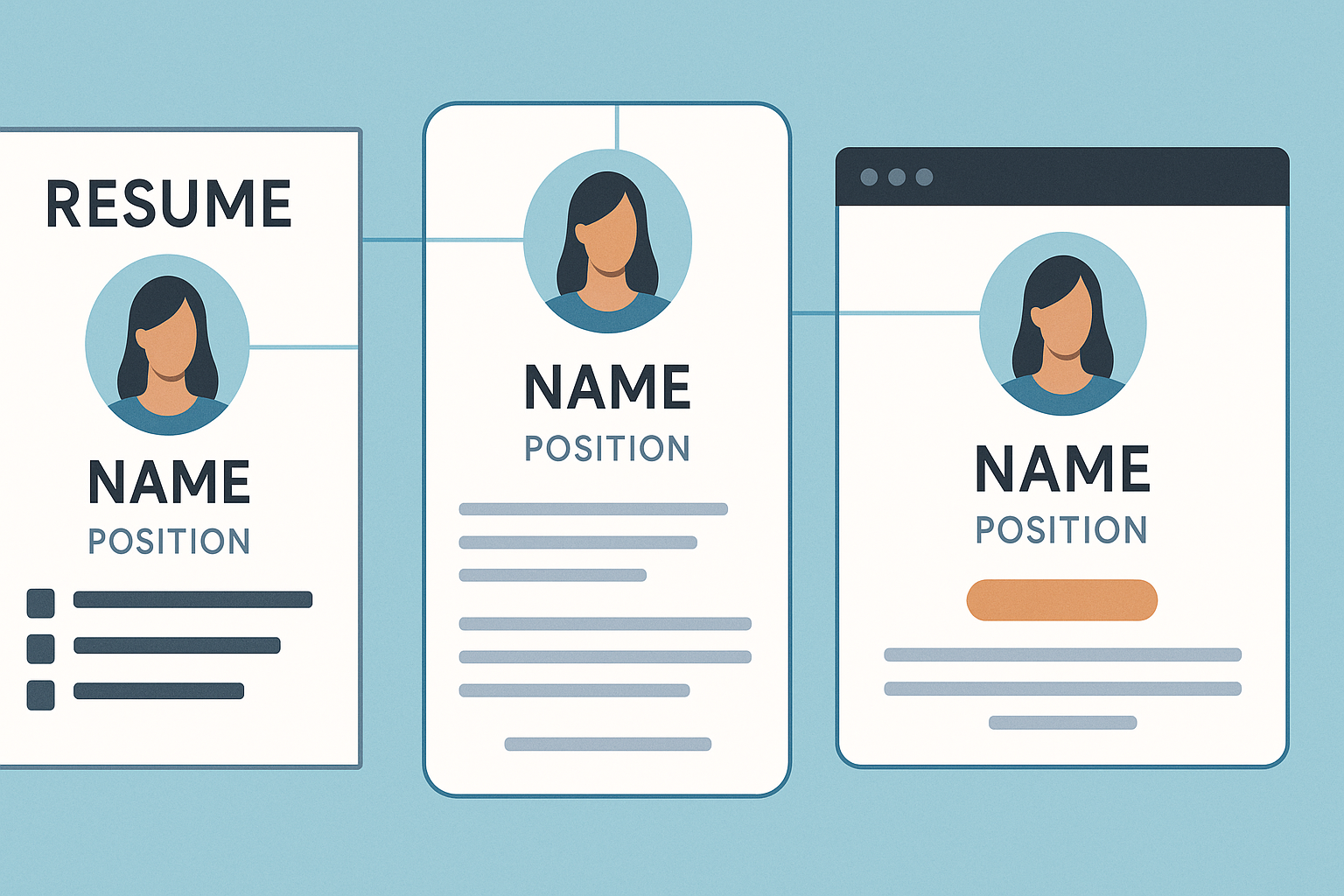
A scattered professional profile creates unnecessary doubt. If your resume says backend engineer, your LinkedIn headline reads product-minded full-stack builder, and your website leads with design-heavy case studies, a recruiter has to stop and figure out who you are before deciding whether to keep reading. That pause costs you. Harvard's resume guidance emphasizes tailoring and scan-friendly writing, and MIT notes that recruiters spend only a few seconds on an initial pass.[1][2]
The fix is not making every platform identical. Give all three the same core story, then let each one do a different job. Think of your resume as the summary, LinkedIn as the searchable profile, and your website as the proof layer.
Start with one professional story
Before you edit anything, decide what you want all three assets to say in plain language.
That usually comes down to your target role, your area of focus, the problems you solve, and the strongest evidence behind that claim.
For example: "Senior backend engineer focused on reliability, APIs, and high-scale systems." That is not final copy. It is the spine. Once that is clear, your resume, LinkedIn, and website have a stable center.
Most profile inconsistency is conceptual, not visual. Titles drift. Project names change. One place sounds senior, another sounds junior.
Keep these elements consistent everywhere
Some details should match across all three surfaces unless you have a very specific reason to change them.
Role focus and level
Your target role should be recognizable within seconds. If you are aiming for platform roles, that should be visible in your resume summary, LinkedIn headline, and website homepage. The exact wording can change, but the meaning should match.
Dates, titles, and employer names
These are credibility fields. If dates or titles differ, people may assume the error is on purpose. Keep job chronology aligned, especially for recent roles.
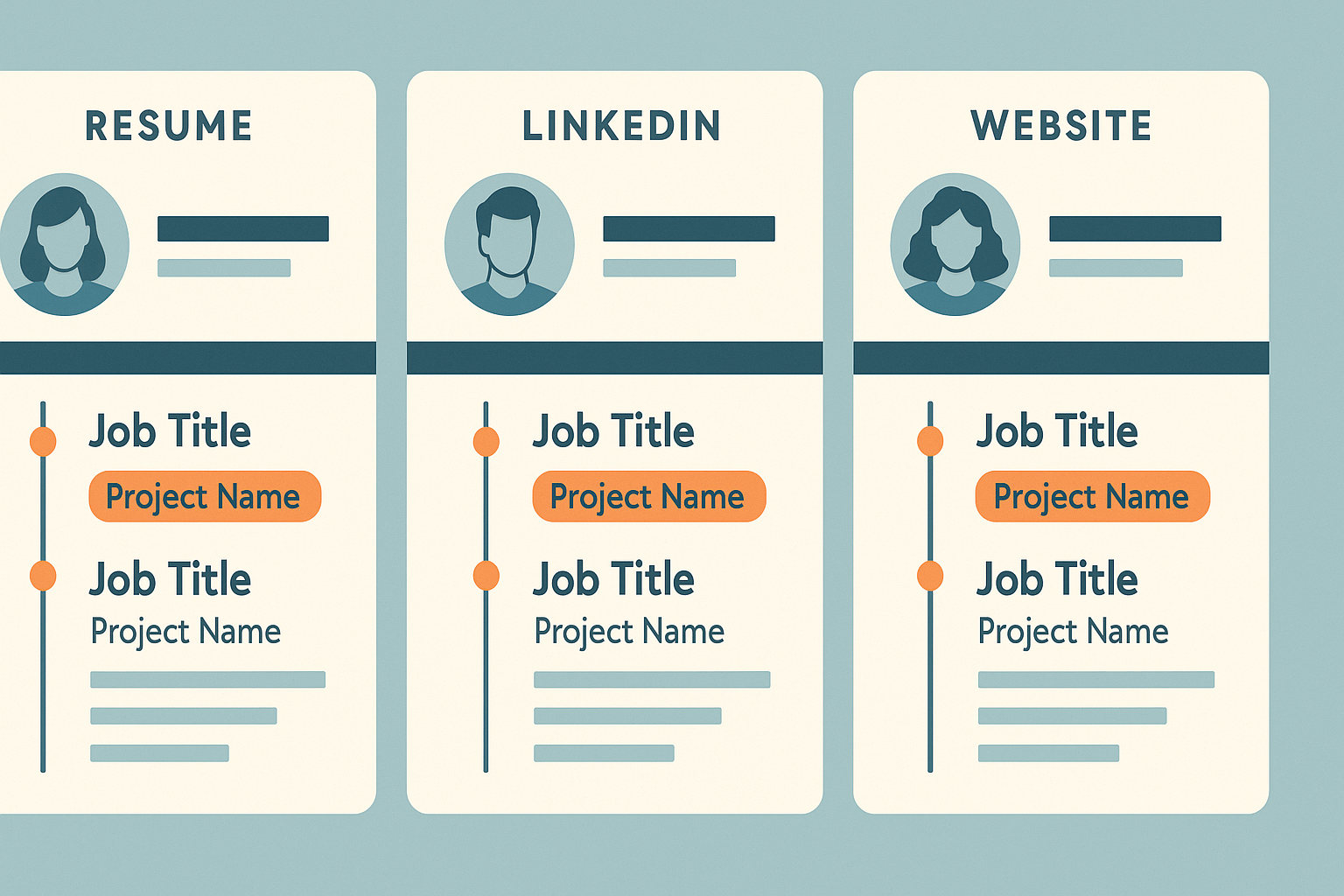
Core skills and project names
If your top skills and featured projects have different names in each place, it creates friction. Use the same project title, repo link, and broad skill language.
Let each platform do a different job
Consistency does not mean duplication. Each asset should earn its place, and the easiest way to think about that is by deciding what you want a recruiter to get from each one.
Your resume should do the compression work. Harvard advises tailoring to the role you want, and MIT recommends making relevant information immediately visible and emphasizing accomplishments over responsibilities.[1][2] That makes the resume the place to cut side paths, foreground outcomes, and make your target role legible fast.
LinkedIn can be a little broader, but it still needs a clear center. Recruiters use keyword-based search and filters, so your headline, About section, and recent experience should make the match obvious.[5] This is usually where adjacent skills and a fuller summary belong, as long as the profile still points toward the same kind of work.
Your website is where the claim gets proved. It should answer the question your resume cannot fully answer: can this person back up the pitch? Google notes that search snippets are created primarily from page content, and sometimes from meta descriptions when those describe the page better.[3] That is a good reminder to keep your pages literal and useful. Clear project titles, descriptive headings, honest summaries, and 2-4 stronger project writeups do more for you than clever branding language.
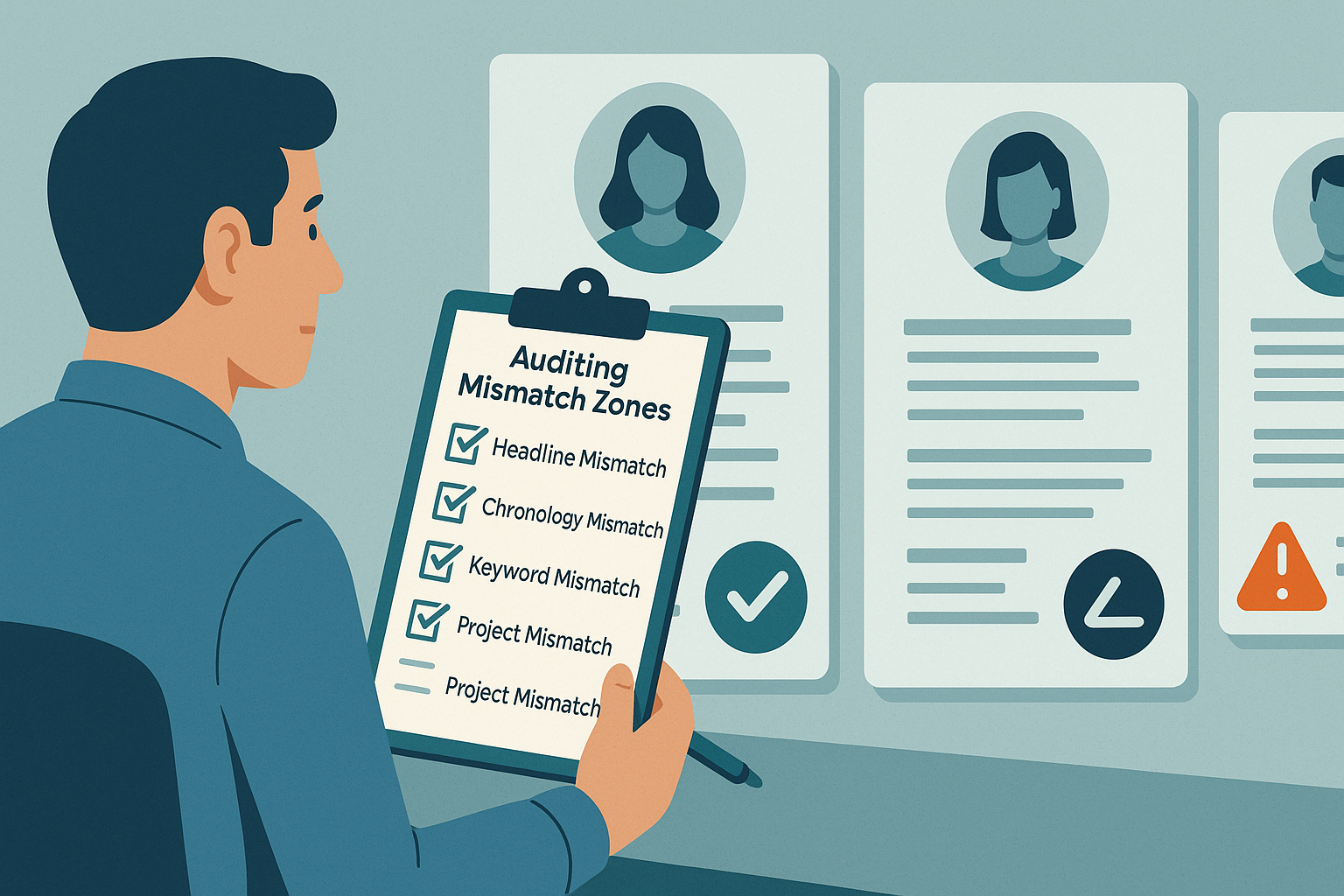
Audit the common mismatch zones
If you want a fast cleanup, look first for the mismatches that create doubt fastest: a resume aimed at one role and a LinkedIn headline aimed at another, a website full of beginner-level projects next to a senior resume, or dates and titles that do not quite line up. Even smaller differences, like using different names for the same project or leaving key terms on LinkedIn that never appear on the resume, can make the whole profile feel less reliable.
Use a simple maintenance workflow
You do not need to rebuild everything every week. A short maintenance loop is usually enough: update the master resume first, sync the newest role details and keywords into LinkedIn, make sure your website still highlights the same 2-4 strongest projects, click every live link, then read the top screen of all three assets back to back.
Google's SEO Starter Guide makes a useful point here: search improvements help search engines understand content, but results can take time.[4] That matters for your website. Focus first on clarity for people already clicking through.
If you keep multiple resume versions, it helps to maintain one master resume that you update first. CoreCV can help you keep that base version, create role-specific variants, and fine tune against a job description or job URL without losing the central story.
The takeaway
A cohesive professional profile is not about making your resume, LinkedIn, and website look the same. It is about making them agree on who you are, what roles you want, and what evidence supports that claim.
Keep the story consistent, let each platform do a distinct job, and audit the obvious mismatch zones. Then recruiters spend less time decoding your profile and more time seeing your fit.
Sources
1. Harvard FAS Mignone Center for Career Success, Create a Strong Resume: https://careerservices.fas.harvard.edu/resources/create-a-strong-resume/
2. MIT Career Advising & Professional Development, Resumes: https://capd.mit.edu/resources/resumes/
3. Google Search Central, Control your snippets in search results: https://developers.google.com/search/docs/appearance/snippet
4. Google Search Central, SEO Starter Guide: https://developers.google.com/search/docs/fundamentals/seo-starter-guide
5. LinkedIn, LinkedIn Recruiter product page: https://business.linkedin.com/hire/recruiter